System status
HurPal CRM publishes a live status page at status.hurpal.com. Use it to check whether the CRM and its related services are operating normally, and to see the history of any past incidents or scheduled maintenance.
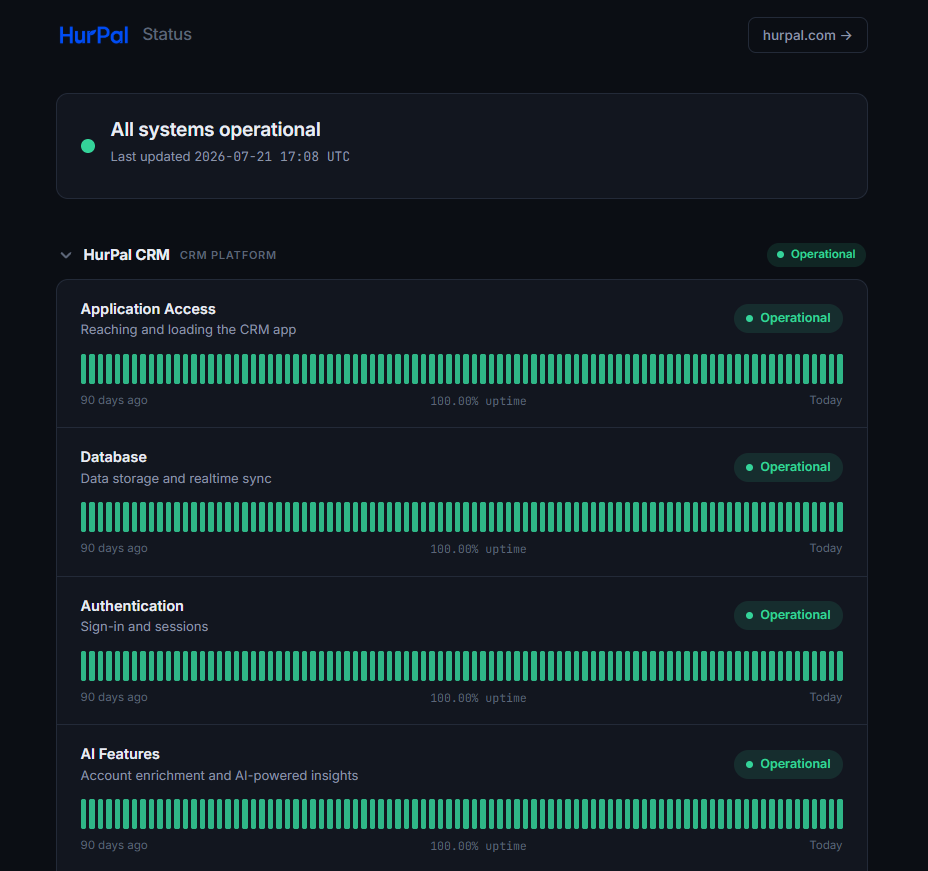
What it shows
- An overall banner, for example "All systems operational", with the time it was last updated.
- Each CRM component's current status, including Application Access, Database, Authentication, and AI Features.
- A 90-day uptime history bar and uptime percentage for each component.
- Ongoing incidents, with updates posted as they are investigated and resolved.
- Scheduled maintenance windows and a history of past incidents.
Subscribing to updates
From the status page you can subscribe to receive notifications (for example by email) whenever an incident is reported or a component's status changes.
tip
If you are having trouble accessing HurPal CRM, check status.hurpal.com first to see whether it is a known, ongoing issue before contacting support.